npbuy Coupon Threshold Gap Guide
npbuy Coupon Threshold Gap Guide
You're on npbuy, and you run into the most frustrating situation: your coupon threshold is just barely out of reach. Your cart is a few yuan or a dozen yuan short of the minimum spend, and the page says adding one more item will unlock the coupon. It seems like a no-brainer to add something small, but if that new item brings extra weight, bulk, service fees, international shipping, or return hassles, you might not actually save money in the end.
This article tackles one specific question: when your npbuy coupon threshold is just a little short, how do you decide whether to add an item, switch coupons, or just give up the coupon and check out? It does not apply to orders that are already paid, packed at the warehouse, have expired coupons, or where the platform page won't show the coupon conditions. Prices, coupon rules, shipping fees, and available lines can change, so before paying, always go by the info shown on the npbuy page on the day you verify. 🧾
First, confirm whether the gap is from the merchandise subtotal or the final amount due
When you see "just a little short to use the coupon," don't rush to add cheap items. The first step is to confirm how the threshold is calculated.
You need to check on npbuy's cart, checkout page, or coupon selection area:
Is the threshold based on merchandise subtotal or final amount due?
Does domestic shipping count toward the threshold?
Do service fees, handling fees, or international shipping count toward the threshold?
Is it pre-discount or post-discount amount that counts?
Are some items excluded from the coupon?
Many failed coupon-chasing attempts aren't due to miscalculation, but because you counted fees that don't count toward the threshold as if they did. For example, if the merchandise subtotal is 8 yuan short, but the final amount due gap you see includes domestic shipping or service fees, then adding an 8-yuan item might not trigger the coupon.
I suggest writing down the visible threshold notice exactly as shown, like "Spend X amount, get Y off," "Only for designated items," "Excludes shipping," etc. Don't rely on memory, because coupon rules, event scope, and expiration dates are all highly volatile info.
Record the coupon threshold and applicable scope visible on the npbuy page
Before deciding whether to add an item, make a short note. Its purpose isn't bookkeeping, but to prevent you from being led by the "just a little short" prompt.
Check item | Page info to record | Why it matters |
|---|---|---|
Coupon threshold | Minimum spend required | Determines the actual gap |
Discount amount | How much you can save | Calculate maximum possible savings |
Applicable scope | Site-wide, designated items, categories, or events | Avoid adding non-participating items |
Expiration time | Expiry date or countdown shown | Avoid expiration during warehouse processing |
Excluded fees | Are shipping, handling, add-on services excluded? | Avoid overestimating the discount |
If the page doesn't clearly show this info, don't force an add-on just to meet the threshold. The less transparent the coupon, the more you should calculate conservatively, as if it might not cover extra costs.
Determine whether the add-on item is a real need or just filler waste
The core question isn't "how much more do I need to spend," but "would I have bought this item anyway?" 🎯
Use three quick questions:
Even without the coupon, would I buy this item soon?
Have I already checked its size, color, material, and seller page info?
If QC after it arrives at the warehouse is not ideal, am I willing to bear the cost of return, wait, or give up?
If two out of three answers are no, it's usually not worth adding the item. The common problem with low-priced items is low unit price but not low follow-up costs: it may add weight, make the parcel bulkier, and increase complexity in QC, returns, and consolidation decisions.
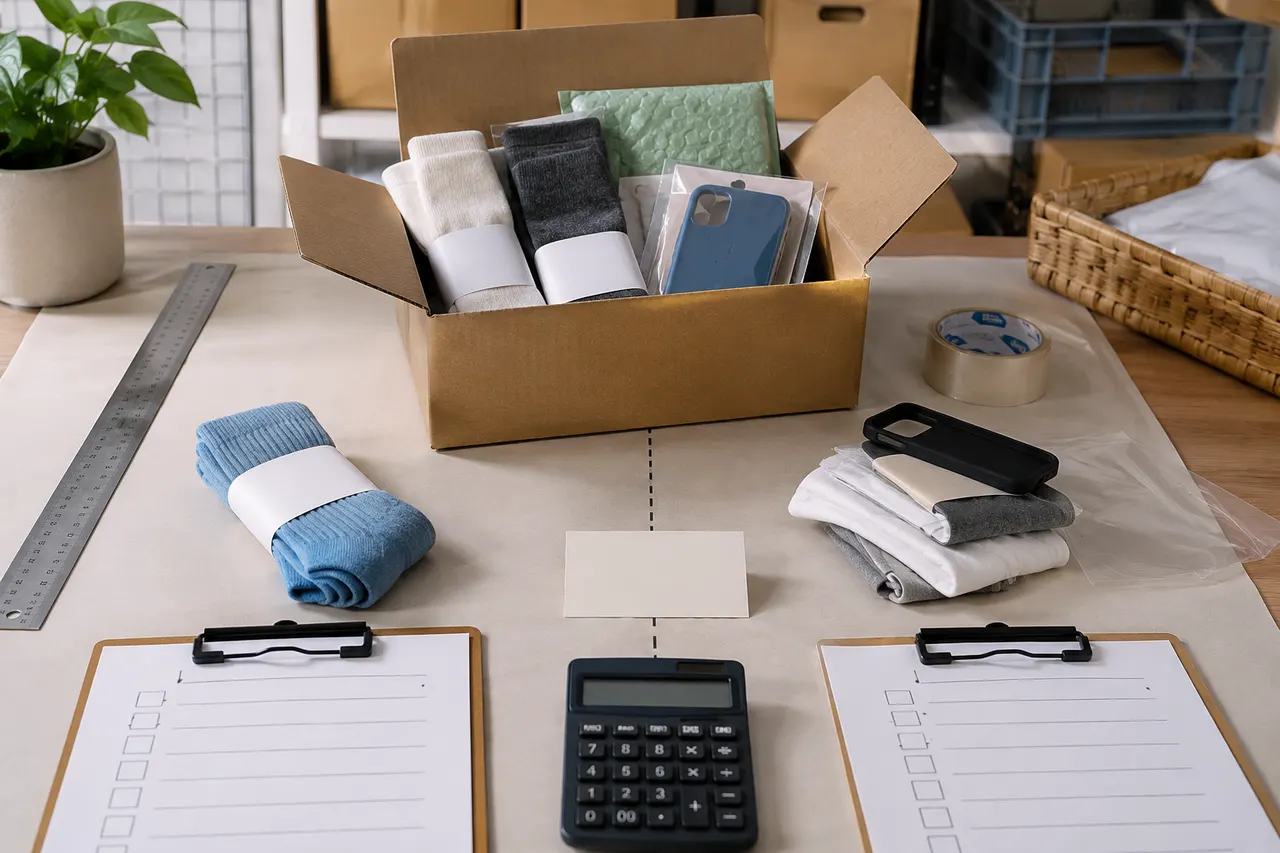
More practical add-ons are small items you actually need, like socks, accessories, phone cases, cleaning supplies, or items from the same store that can combine domestic shipping. But this still depends on visible info on npbuy and seller pages; don't add something just because it's cheap.
Compare actual changes with a before-and-after total cost table
To judge whether you save money, look at the total cost before and after adding the item, not just the coupon discount amount.
Item | Without add-on | With add-on | Notes |
|---|---|---|---|
Merchandise subtotal | Record from page | Add new item price | Only visible prices |
Domestic shipping | Record from page | Recheck | Same store vs. different store affects this |
Available coupon | May not be usable | Fill in after page confirms usable | Don't assume in advance |
Service or handling fees | Record from page | Recheck | Based on checkout page |
Estimated international shipping | Based on current parcel estimate | Re-estimate with added weight | May change after warehouse weighing |
Final comparable cost | Total | Total | Compare in same currency |
A simple formula:
Is adding worth it = actual coupon discount amount - new item price - new domestic shipping - estimated increase in international shipping - extra risk cost
If the result is only slightly positive, say saving just a few yuan, but the new item isn't a real need, it's usually not worth dragging out the order process for that small difference. Conversely, if the new item is something you need anyway, and it's light, small, and clearly described, adding it is more likely reasonable. 📦
Check the new item's weight, volume, and impact on later shipping
Coupons happen at the order stage, but the big variables often appear at the warehouse and international shipping stage.
Before adding, check the potential downstream effects of the new item:
Weight: Heavier items more likely increase international shipping
Volume: Shoe boxes, toy boxes, bags, thick coats can trigger volumetric weight
Packaging: Fragile or boxed items may need extra protection
Line restrictions: Liquids, powders, electronics, brand-sensitive items may limit available lines
Consolidation risk: Larger total parcel value and size may change customs, loss, and delay risks
If the new item turns your parcel from small to large, or reduces available shipping lines, even if the coupon looks good, recalculate. Consolidation can sometimes lower repeated first-weight or handling costs, but it's not a universal money-saver; higher parcel value also concentrates per-shipment loss risk.
Mark fees not covered by the coupon and uncertainties
Don't treat the coupon as a discount on the entire order. It usually covers only what the page rules allow, and may not cover:
International shipping
Destination country taxes
Payment processing fees
Add-on service fees
Return/exchange costs
Storage or overtime fees
Extra costs due to line restrictions
Mark these items separately as "uncertain" or "not covered by coupon." Especially customs duties and destination import requirements should not be justified by coupon savings. Declare truthfully and prepare documents per destination rules; don't under-declare, split shipments to avoid tax, or evade inspections just to save money. 🛃
If you can't estimate the new item's weight, volume, or line impact, calculate the most conservative case: assume it won't help you save international shipping, only add a little cost. The conclusion may not be optimistic, but it's closer to a real shopping decision.
Double-check the final amount due before paying
Before paying on npbuy, look at the checkout page one more time. The point isn't whether the cart has a coupon, but whether the final amount due actually drops.
Pre-payment checklist:
Is the coupon actually selected, not just showing "available"?
Does the discount amount appear in the final total?
Is the new item still within the coupon's applicable scope?
Are item quantities, colors, sizes, specs correct?
Did domestic shipping or handling fees change?
Is currency consistent, and are exchange rates or payment channel fees separate?
Is the coupon still not expired?
If after adding the item the final amount due doesn't drop as expected, don't continue to pay. Remove the new item and compare again. If the difference is due to coupon not applying, item not participating, fees not counting toward threshold, or page refresh changing rules, then give up this coupon-chasing attempt.
Decide: add item, switch coupon, or just check out
You can follow this order for final decision:
Add item
Choose this when all these conditions are met: the new item is something you actually need; page info is clear; the coupon actually applies after adding; added weight and volume impact is minimal; final total cost is significantly lower than without adding.
Switch coupon
If the current coupon threshold is too high, scope too narrow, or requires too many unrelated items, first check for lower-threshold coupons, category coupons, or ones better suited to the current order. Switching coupons is usually more reliable than forcing an add-on.
Just check out
If the gap is small but the new item isn't a real need, or adding saves only a tiny amount, just check out. Saving money isn't only about the coupon face value; it's about the total cost and risk of the entire order from purchase to delivery.
Hold off on the order
If the coupon is about to expire, item info is incomplete, seller page is unclear, or line restrictions are uncertain, holding off is better than rushing payment. Waiting until you confirm the item, shipping, and applicable conditions usually saves more time than dealing with returns later.
The conclusion is simple: when your npbuy coupon threshold is just short, adding an item is only worth it when all four of these are true: the new item is a real need, the coupon is already effective at checkout, the total cost actually drops, and the later shipping and risks are acceptable. Otherwise, switching to a more suitable coupon or just dropping the coupon often saves more. ✅
Agent platform shopping FAQs
1. How do I find the products I want on np-buy.com?
You can search on np-buy.com using a single keyword, or browse the category pages, which also organize products by brand. Longer search terms usually return fewer but more precise results than short ones. For example, you can search "Air Force 1 White", "sneakers", or just "Air Force 1".
2. How do I check QC photos through np-buy.com?
When reviewing QC photos on np-buy.com, you should focus on specific features of the purchased product. For example, for shoes, check several key areas—like the toe box, heel, and tongue—for stitching, shape construction, and tongue thickness to confirm a high-quality product. For clothing, check details like collar tags, logo embroidery, fabric, and the flatness of collar and cuffs.
3. What kinds of products are available on np-buy.com?
np-buy.com offers a wide range of product categories, including shoes, T-shirts, sweaters, hoodies, jeans, sweatpants, shorts, board shorts, factory clearance items, down jackets, baseball shirts, shirts, hats, jewelry, bags, electronics, sunglasses, socks, underwear, and trendy collectibles.
4. What types of products can I find in the np-buy.com spreadsheet?
The np-buy.com spreadsheet covers footwear, clothing, bags, accessories, jerseys, perfumes, hats, scarves, belts, and various household lifestyle products.
5. Is the np-buy.com spreadsheet website safe?
The website does not collect any personal information; it only serves as a product catalog for the agency platform. All transactions are conducted on the agency platform and are unrelated to the np-buy.com spreadsheet website.
Browse our latest products and find your next favorite item.